 WeightTrack
Your weight, in stones & pounds.
WeightTrack is a simple, private weight tracker for Android. Log your weight in seconds, see your progress on a clear chart, and stay on track with steps, goals and a monthly report.
Everything you need, nothing you don't
Built for people who weigh themselves in stones and pounds, and who'd rather their health data stayed private.
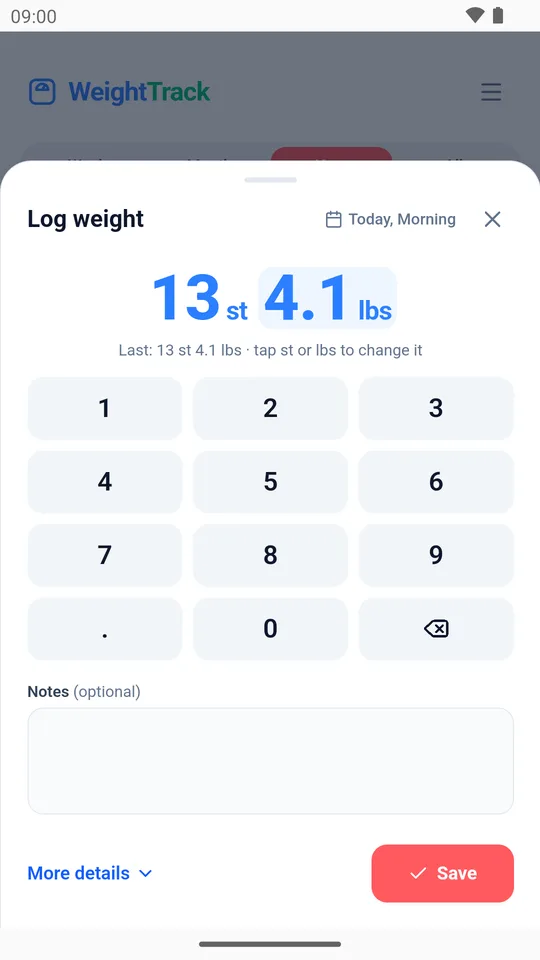
Quick logging
A big keypad in stones & pounds, pounds or kilograms, with notes for each weigh-in.
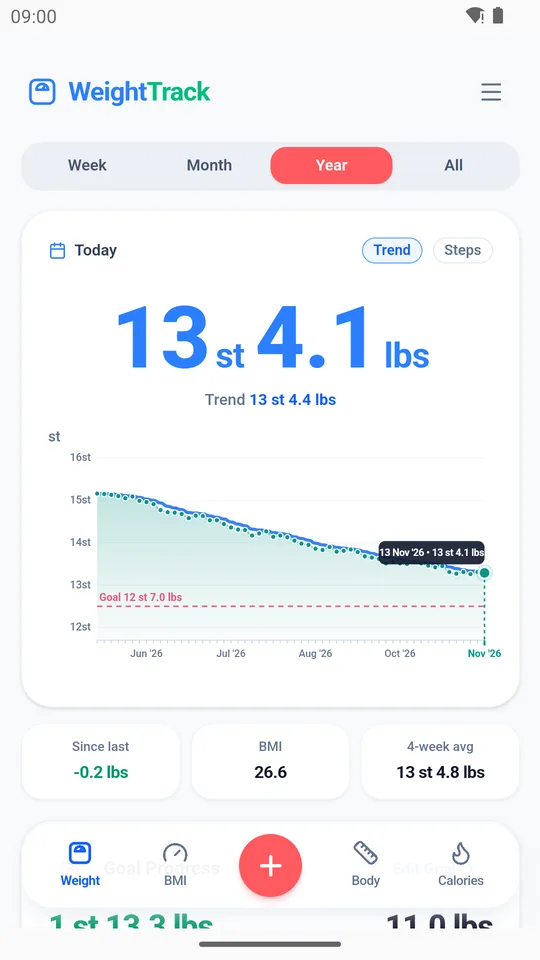
Clear progress
Week, month, year and all-time charts, a smoothed trend line, and your goal line. Drag across to see any day.
Goals that add up
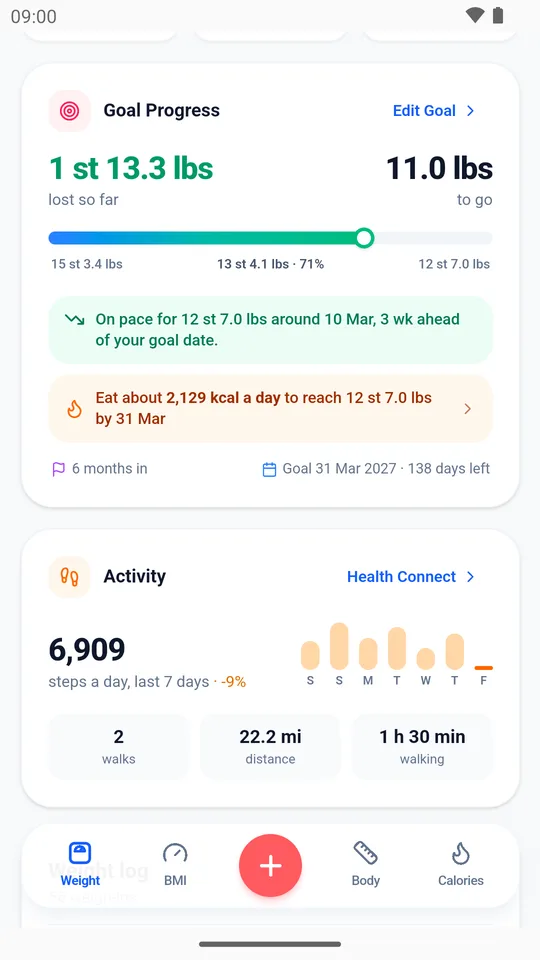
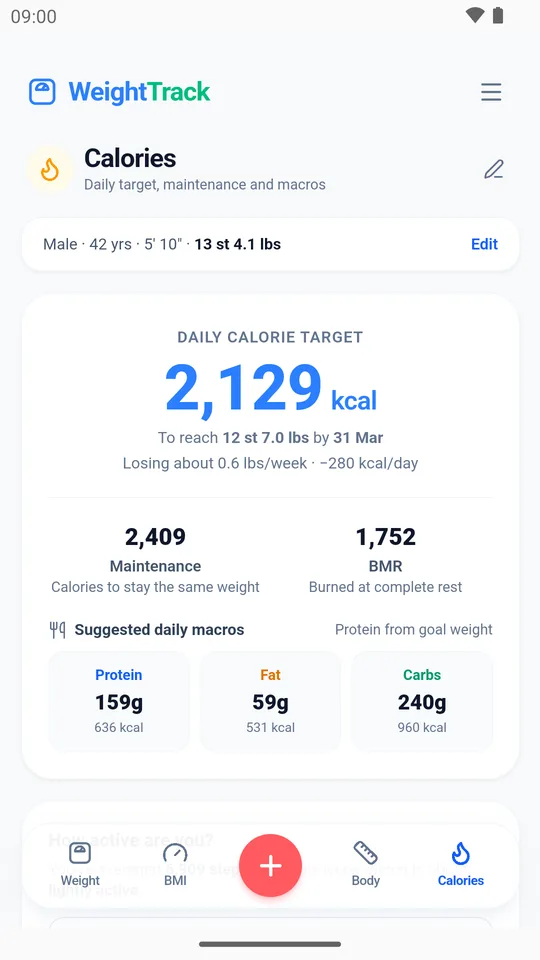
See how far you've come, when you'll reach your goal, and the daily calories to get there.
Steps and walks
Connect Health Connect to see steps and walks from Google Fit, right next to your weight.
Body measurements
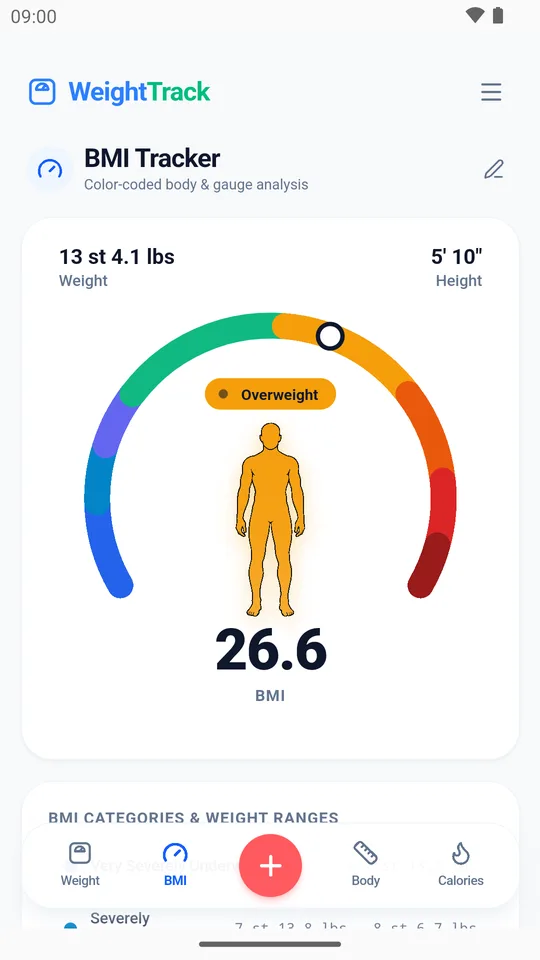
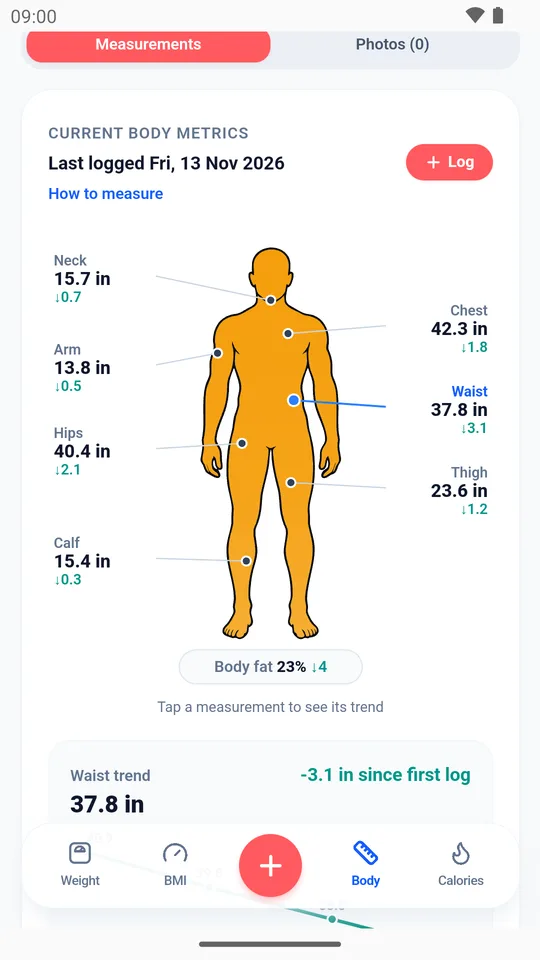
Tape measurements on a body map, BMI, and a body fat estimate from your measurements.
Stay motivated
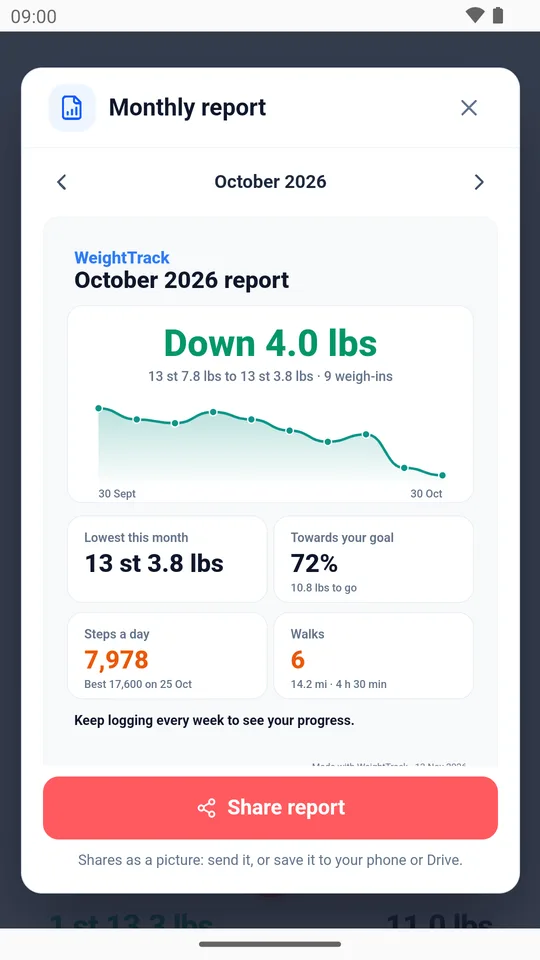
Milestone celebrations, a weekly reminder, an evening summary and a monthly report you can share.
Home screen widgets
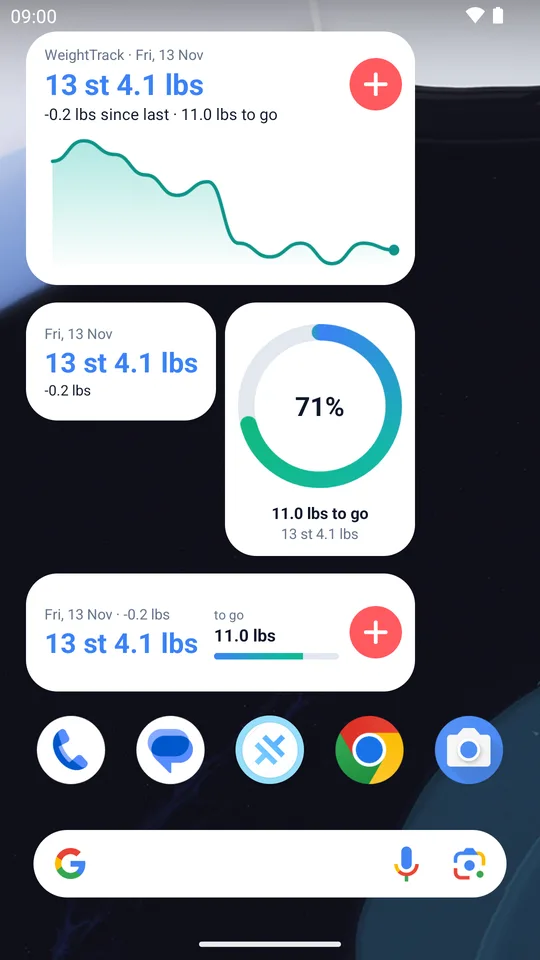
Four widgets, from a small weight tile to a goal ring and a mini chart, with + to log in one tap.
Light and dark
Looks right in light or dark mode, and turns into two columns when you turn your phone sideways.
Automatic backups
A backup file saved after every change, plus an optional copy in Google Drive or a place you choose.
Take a look
Screens from the app (with example data).
Private by design
WeightTrack has no servers. What you enter stays on your phone, and we never see it.
- No account or sign-in
- No adverts and no tracking
- Your data isn't collected, sold or shared
- Health Connect data is used only inside the app
- Backups go only where you choose
- Delete everything any time from the app
Questions
Which phones does it work on?
Android phones running Android 8.0 or newer. There isn't an iPhone version.
Does it cost anything?
No. WeightTrack is free, with no adverts.
How do I see my steps from Google Fit?
In Google Fit, go to Profile > Settings and turn on "Sync Fit with Health Connect". Then in WeightTrack tap Connect on the Activity card and allow access.
Can I move my data to a new phone?
Yes. In WeightTrack open the menu > Backup & restore, export a backup (or use the automatic backup in Documents/WeightTrack), and restore it in WeightTrack on the new phone.
Is the body fat figure accurate?
If you have a smart scale connected through Health Connect, WeightTrack shows its readings. Otherwise it estimates body fat from your tape measurements using the US Navy method, which is usually within 3 to 4%. It's a guide, not a medical measurement.
Is WeightTrack medical advice?
No. WeightTrack is for general wellbeing and isn't a medical device. Speak to a health professional about weight goals that are right for you.
More answers in the FAQs, and a step-by-step user guide with pictures. Anything else? Send us a message.