 Work Log
Clock in. Log shifts. Know your hours.
Work Log is a simple timesheet for shift workers. Tap to clock in and out, save your regular shifts, and see your hours, breaks and pay for the week at a glance.
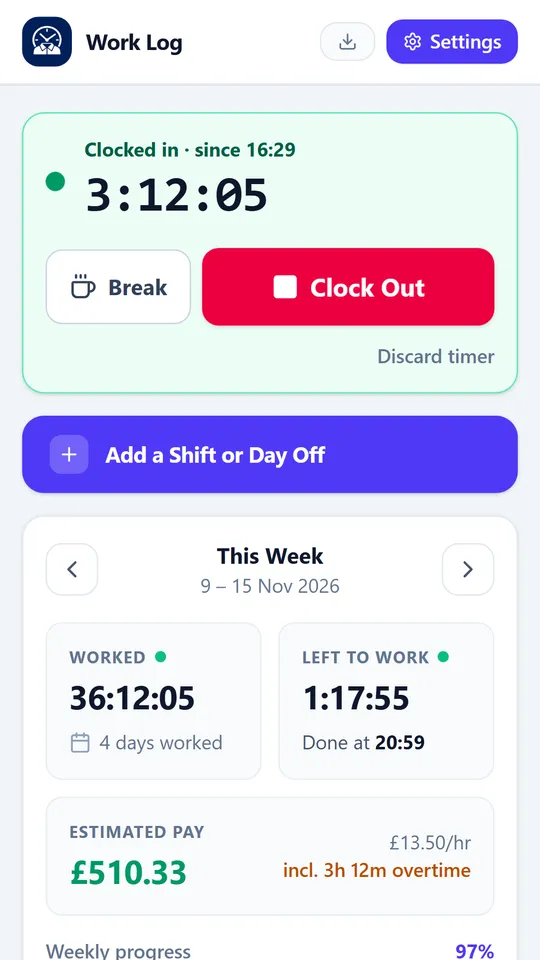
Your hours, without the guesswork
Built for people who work shifts and want to know they've been paid for every hour.
Clock in and out
One tap to start, one tap to finish, with a Break button. The timer keeps going even if you close the app, and there's a home-screen widget.
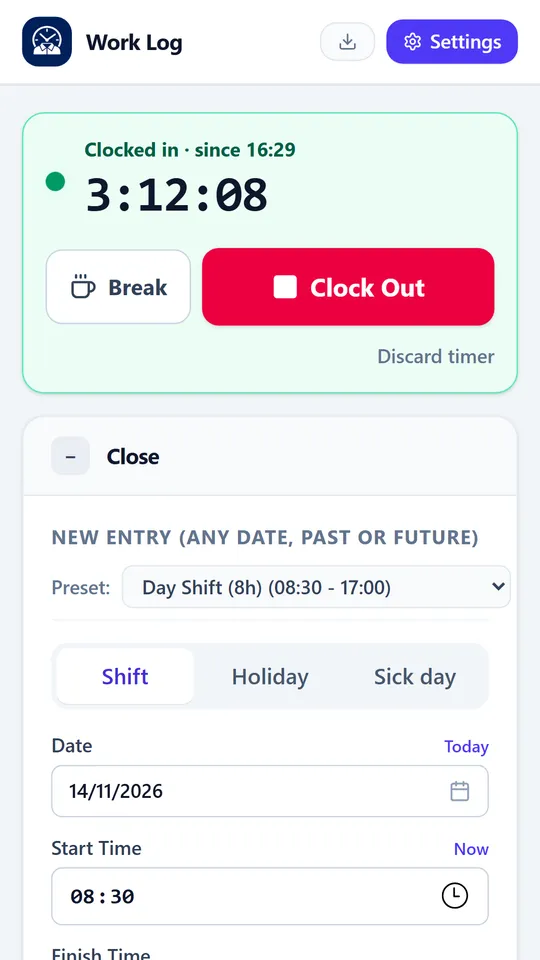
Shift presets
Save your regular shifts, like days, lates or nights, and fill them in with one tap.
Finish time worked out
Tap 7h 30m or 8h and Work Log tells you when you'll finish, with your unpaid break included.
Weekly target
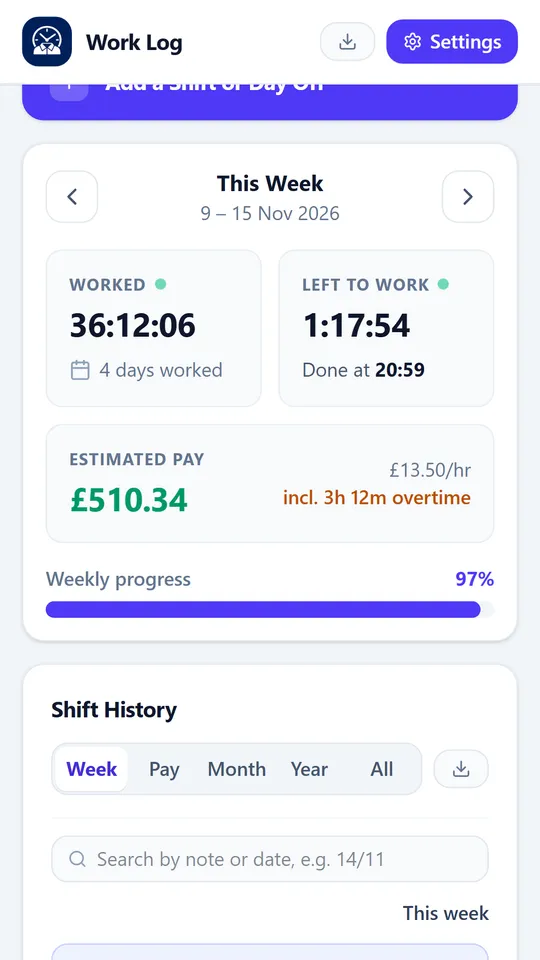
Watch the hours left in your week count down second by second while you're clocked in, and look back at earlier weeks.
Pay, overtime and holidays
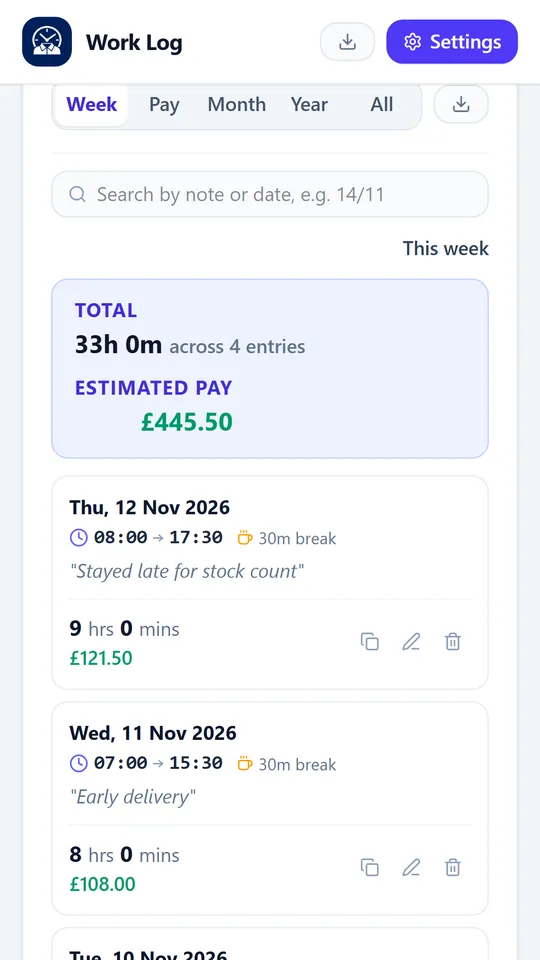
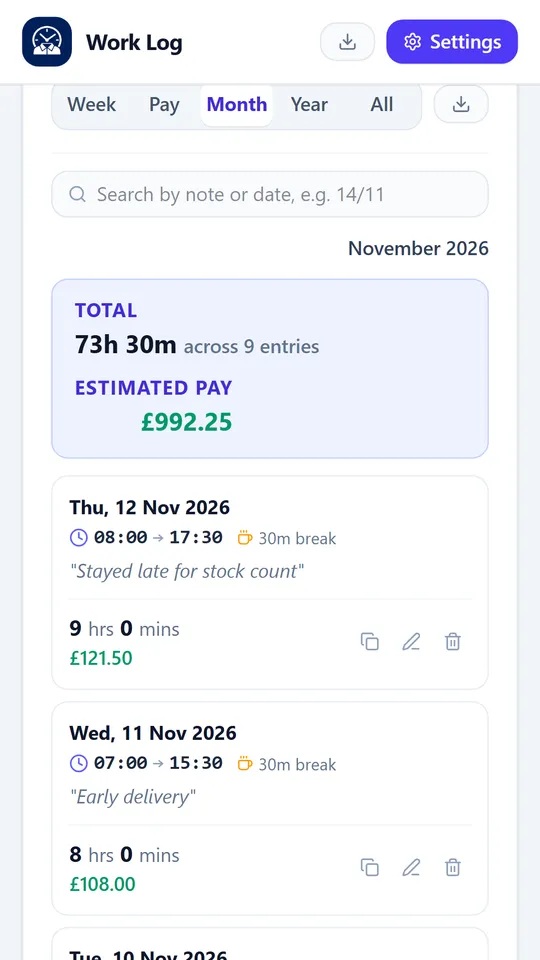
Estimate your pay with overtime at time and a half or double time, and add holidays and sick days. Totals for each week, pay period, month or year.
Timesheets and backups
Send your shifts as a spreadsheet (CSV) to check against your payslip, and back everything up to your own Google Drive or email.
Reminders and dark mode
Optional reminder if you forget to clock out, and a dark theme for night shifts.
Take a look
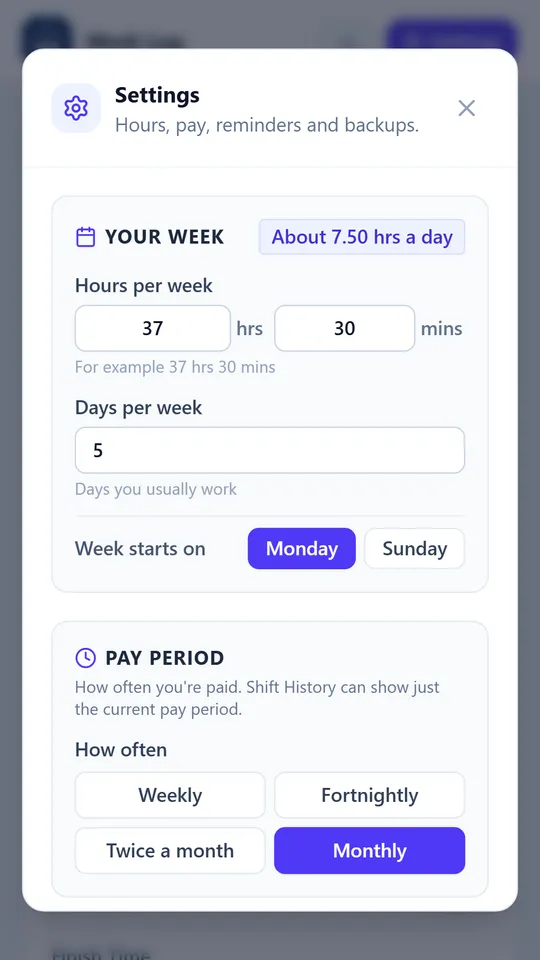
Screens from the app (with example shifts).
Private by design
Work Log has no servers, and the only thing it ever sends is an anonymous crash report if something goes wrong. Your shifts stay on your phone, and we never see them.
- No account or sign-in
- No adverts and no tracking
- Your data isn't collected, sold or shared
- Internet used only for anonymous crash reports; notifications only if you turn on reminders
- Timesheets go only where you send them
- Back up to your own Google Drive or email, or remove everything any time
Questions
Which phones does it work on?
Android phones running Android 7.0 or newer. There isn't an iPhone version.
Does it cost anything?
No. Work Log is free, with no adverts.
Do I need an account?
No. Open the app and tap Clock In, or add a shift.
What if I forget to clock in?
Tap Add a Shift or Day Off and add it with its start and finish times. You can add shifts for any day, past or future, and edit them later.
Is the pay exact?
It's an estimate from your hours and hourly rate, before tax and other deductions. Always check your payslip against your employer's records.
Can I get my shifts out of the app?
Yes. Tap the export button to send your timesheet as a spreadsheet (CSV). Android's share sheet opens so you can email it, save it to Google Drive or put it in your Files app.
Anything else? Send us a message.