 Weight Plate Calculator
Load the bar. Skip the sums.
Weight Plate Calculator shows exactly which plates to put on each side of a barbell or dumbbell. Set your target weight, use your own bars and plates, and see it drawn on the bar.
Everything for loading the bar, nothing in the way
Built for people who lift and want the answer fast: which plates, on which side, in what order.
Barbell and dumbbell
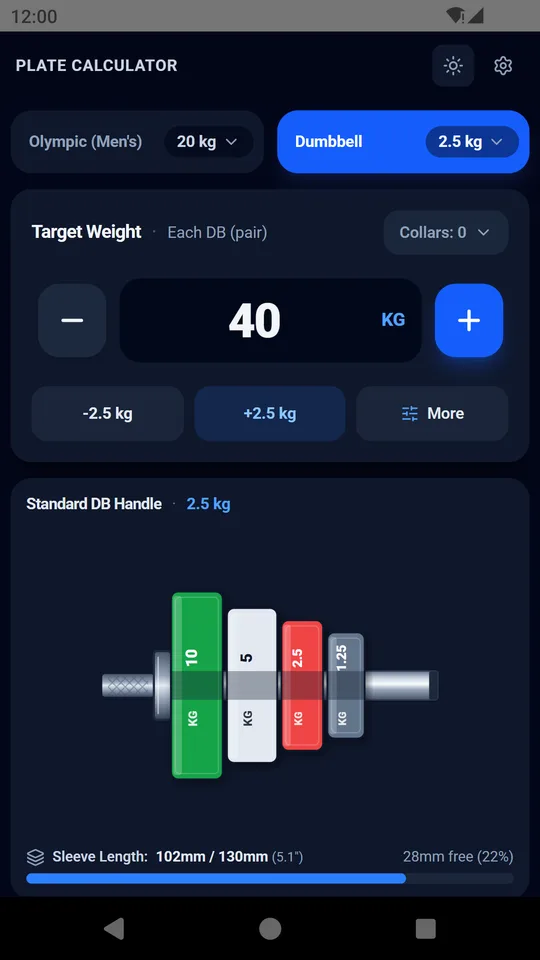
Switch between a barbell and a dumbbell with one tap. Each remembers its own bar and target weight.
See the load
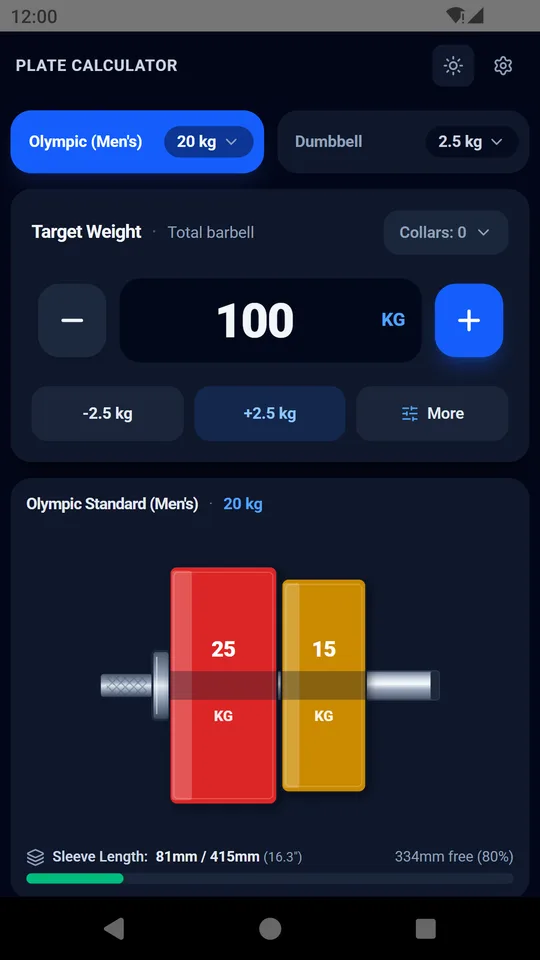
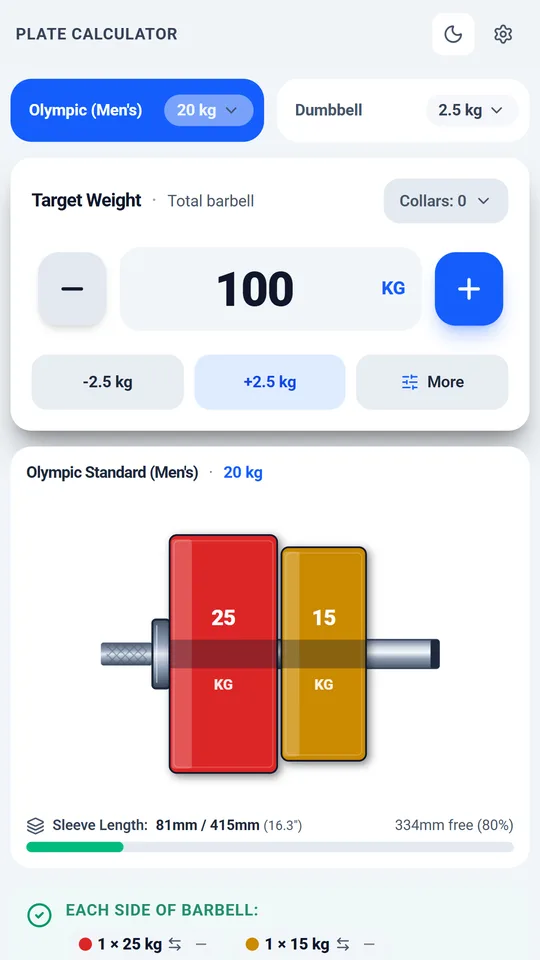
The bar is drawn side-on with colour-coded plates in the right order and sizes, with the weight on every plate and an "each side" summary underneath.
Quick to change
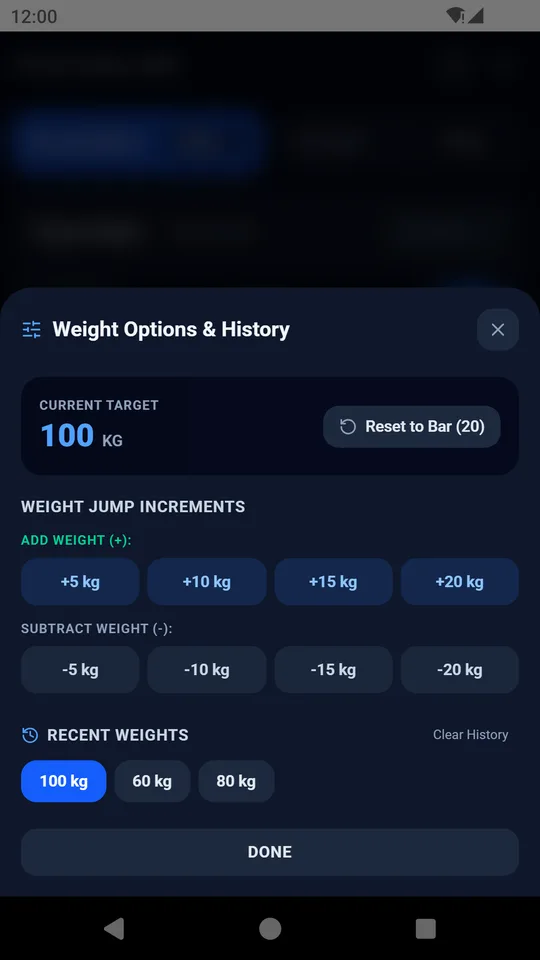
Type any weight, or use the plus and minus buttons. A More panel has bigger jumps, a reset to the empty bar, and your recent weights.
Tap to load
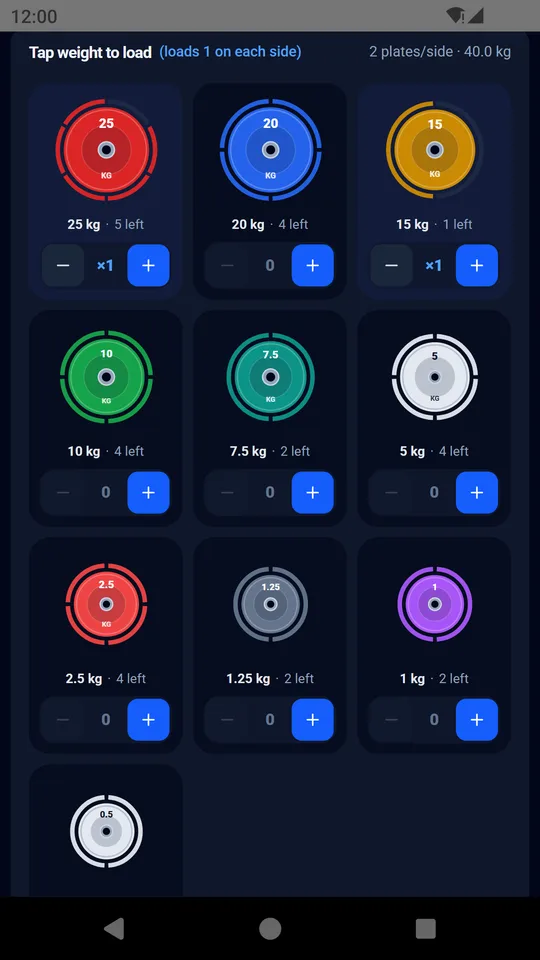
Tap a plate in the rack to load or unload it by hand and see what the bar adds up to.
Swap and split plates
Tap a plate on the bar to change it: swap it, split it (like a 10 kg for a 5 kg and two 2.5 kg) with the total unchanged, take it off, or choose not to use that plate size.
Smart alerts
If a weight can't be loaded, the app says why and one tap snaps to the nearest weight that works.
Dumbbell pairs
Loads a matching pair of dumbbells, and switches to a single dumbbell if the weight is too heavy for a pair.
Sleeve length check
A gauge compares your plates and collars to the sleeve, so you know before you start whether it will all fit.
Your bars
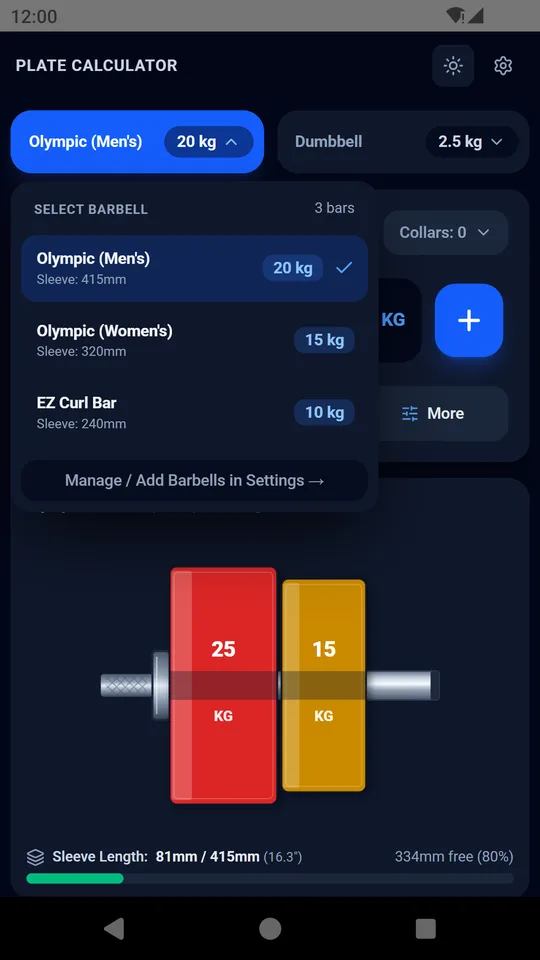
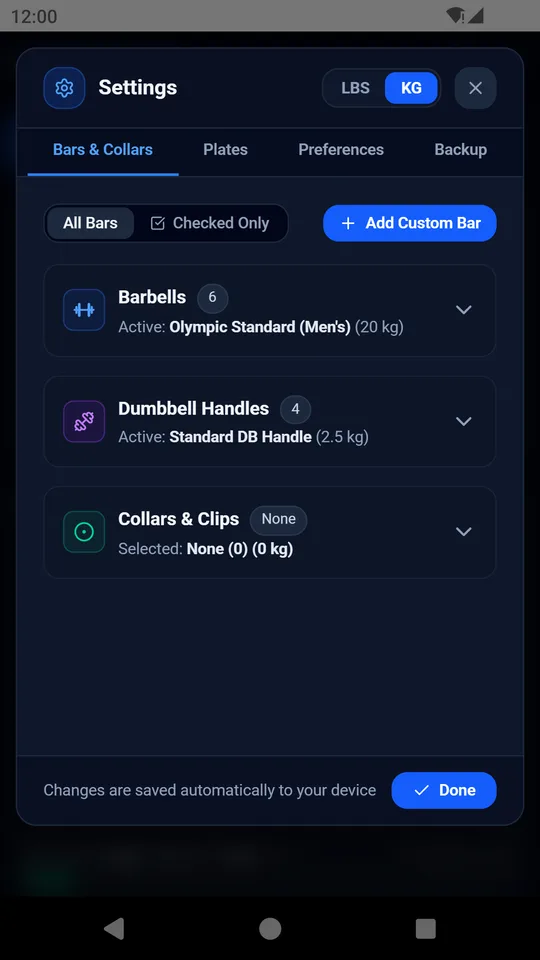
Olympic men's and women's, EZ curl, trap/hex, safety squat and more, plus loadable dumbbell handles. Add your own with their own weight and sleeve length.
Your plates
Set how many pairs of each you own, add custom or fractional plates with their own colour, and use plate thickness profiles for accurate sleeve warnings.
Collars and presets
Spring, lock-jaw, competition or your own collar weight, and saved gym setups like a home gym and a commercial gym.
Light or dark, kg or lb
Switch theme whenever you like. Kilogram and pound setups are kept completely separate, so one never overwrites the other.
Take a look
Screens from the app (with example weights). Want the detail? Read the full guide.
Private by design
Weight Plate Calculator has no servers, and the only thing it ever sends is an anonymous crash report if something goes wrong. Your settings stay on your phone, and we never see them.
- No account or sign-in
- No adverts and no tracking
- Your data isn't collected, sold or shared
- Internet used only for anonymous crash reports
- Backups go only where you choose
- Remove everything any time by uninstalling
Questions
A few quick answers. There are more in the full FAQ, and every screen is explained in the guide.
Which phones does it work on?
Android phones running Android 7.0 or newer. There isn't an iPhone version.
Does it cost anything?
No. Weight Plate Calculator is free, with no adverts.
Do I need an account?
No. Open the app and enter a weight.
Can I use my own plates and bars?
Yes. Open Settings to choose which plates you own and how many of each, set your plate colours, tick the bars and handles you have, and add custom ones with their own weight and sleeve length.
What if my weight can't be made with my plates?
The app shows an alert explaining why, for example that the plates won't fit on the sleeve or that a small plate is missing, and gives you one-tap buttons to jump to the nearest weight that works.
Can I move my setup to a new phone?
Yes. In Settings open the Backup tab and tap Export Backup. Android's share sheet opens so you can save the file to Google Drive, email it to yourself, or put it in your Files app. On the new phone, open the same tab and choose the file to restore it.
More answers: all frequently asked questions and the full guide. Anything else? Send us a message.